
Android app workflow

Build confidently with an app builder for android

An app builder for android helps you move from a mobile idea to a testable product flow without beginning with an empty codebase. Describe the experience, shape the screens, and refine the handoff.

Free to start · no signup
App Builder workspace for creating a mobile application

The audience's existing pipeline

Android projects rarely start in the app layer alone. They begin with a business process, a spreadsheet, a form, or a rough prototype that already tells you what the first release must accomplish.

Operations lead

You manage stock, service requests, or field tasks in a spreadsheet and need a mobile view for people away from a desk.

Turn the existing columns and status rules into a focused Android workflow with fewer repeated handoffs. The [app builder online for android] route is useful when the source material is already in the browser.

app builder online for android
Product designer

You have annotated screens and a short user journey but need something interactive enough for stakeholder review.

Use an Android-oriented prototype to test navigation, empty states, and the order of actions before engineering commits to every screen. A [how to use app builder on android] guide can help structure that first pass.

how to use app builder on android

Founder or small team

Your idea is clear, but the first technical milestone is still a collection of notes, screenshots, and assumptions.

Describe the smallest useful Android experience, then use the generated structure to expose missing data fields and unclear actions. If you prefer a visual beginning, a [free app builder without coding] can reduce the initial setup burden.

free app builder without coding

Developer

You already know the data model and want to accelerate the repetitive parts of an internal Android tool.

Use the app builder as a specification and scaffolding layer, then take over where custom logic, native integrations, or performance tuning matter. The [app builder with code] option is the natural companion for that workflow.

app builder with code

Where we slot in

The app builder belongs between the raw problem and the fully maintained Android codebase. It is most valuable when you need a concrete first version quickly, but still want a clear artifact to review and improve.

  1. 1

    Describe the mobile job

    State who uses the app, what information they need, and the action that should be easiest to complete on Android. Include the important fields, statuses, and edge cases you already know.

  2. 2

    Shape the first flow

    Review the proposed screens and interaction order. Remove secondary features, rename unclear actions, and keep the first pass focused on one complete journey rather than a collection of disconnected mockups.

  3. 3

    Validate and hand off

    Walk through the result on the intended device size, compare it with the source process, and record what needs native code, a backend connection, permissions, or another implementation decision.

Before/after

The difference is not simply a prettier screen. It is a change from an undocumented mobile request to a reviewable Android deliverable with visible assumptions and a next step.

  • Before: scattered inputs
  • After: reviewable app flow

Keep the before state honest: preserve the source process, then simplify only where the Android journey benefits.

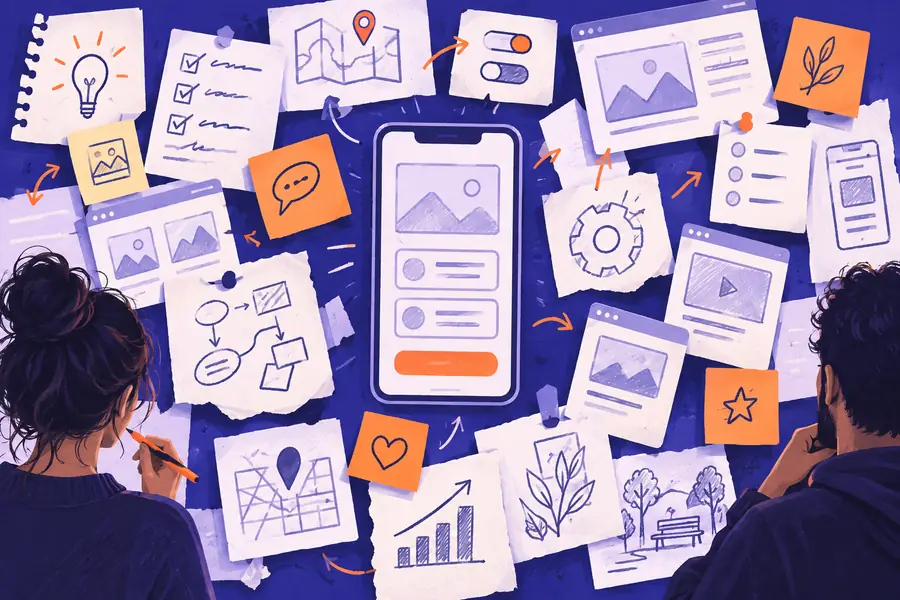
Unstructured browser notes for an Android app request
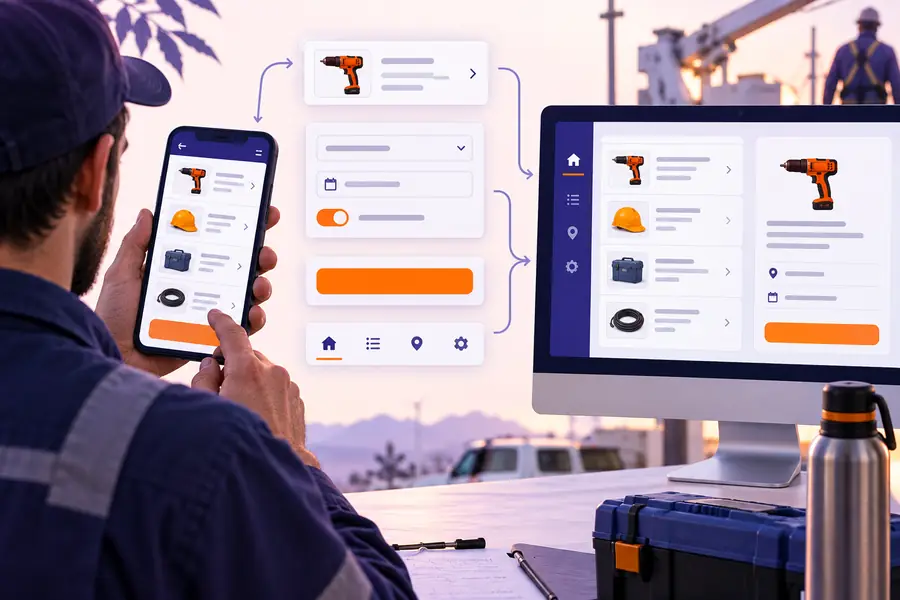
Structured Android app workflow in App Builder

Deliverable spec

Use this comparison to decide what the app builder should produce for the current stage. The right-hand column describes a useful first Android deliverable, not a promise that every production concern is solved automatically.

1

Primary artifact

Starting material

Notes, screenshots, spreadsheets, or a verbal product idea

Android-ready first pass

A connected screen flow that can be reviewed as one Android experience

2

Navigation

Starting material

Often implied by separate screens or an informal description

Android-ready first pass

Named destinations and an intentional order for the main user journey

3

Data fields

Starting material

Fields may be scattered across forms, documents, and conversations

Android-ready first pass

Visible inputs, labels, states, and required information grouped by task

4

Interaction detail

Starting material

The team assumes how taps, saves, errors, and empty states should work

Android-ready first pass

The first pass makes key actions and feedback states explicit

5

Device context

Starting material

Desktop assumptions can hide thumb reach, narrow widths, and mobile interruption

Android-ready first pass

The flow is reviewed as a mobile-first Android interaction

6

Implementation boundary

Starting material

It is unclear what belongs in the prototype and what needs engineering

Android-ready first pass

Open questions are separated into backend, native, permission, and polish work

7

Handoff value

Starting material

A request still needs repeated explanation in every planning meeting

Android-ready first pass

A shared artifact gives design, product, and engineering the same reference

  • Not a complete native release

    A generated flow does not automatically cover signing, store submission, crash reporting, accessibility verification, or every Android device configuration.

    WorkaroundUse the result as a reviewed specification, then complete release engineering and device testing in the appropriate Android toolchain.

  • Not a substitute for backend design

    The interface can expose records and actions, but production authentication, data ownership, synchronization, and server-side validation still need deliberate implementation.

    WorkaroundDefine the API and data rules beside the generated screens before connecting real user data.

  • Not every hardware integration is immediate

    Bluetooth devices, background services, advanced camera behavior, sensors, and vendor-specific SDKs may require native code or a dedicated integration layer.

    WorkaroundPrototype the user decision first and mark the hardware boundary as an engineering task.

  • Not a guarantee of store compliance

    An Android app can look complete while still missing permission explanations, privacy disclosures, content declarations, or policy checks.

    WorkaroundRun a release checklist and test the final package against current Google Play requirements.

Give the Android idea a concrete first shape

Start with one complete mobile journey rather than a long feature list. Describe the user, the task, the data they need, and the result they should reach; App Builder can turn that brief into a clearer artifact for review and implementation.

Build an Android app
  • Begin with one Android workflow
  • Review screens before deeper engineering
  • Keep native and backend questions visible

Scenario FAQ

Answers for teams deciding whether an Android-focused app builder fits the next step in their product workflow.

Yes, an app builder can help you create an initial Android-oriented flow from a plain-language description or existing process. Production features such as authentication, device integrations, release signing, and backend validation may still require engineering work.

You can begin the planning and first-pass creation online, which is useful for reviewing an idea before setting up a local development environment. The final implementation may still move into Android-specific tools when you need native APIs, packaging, or store submission.

It is often a good fit for internal tools such as inventory, field requests, approvals, checklists, and status tracking. Start with one complete workflow and confirm data access, offline behavior, permissions, and device requirements before expanding the scope.

Name the user, the main task, the information they must see or enter, and the outcome that marks completion. Add important statuses, required fields, and constraints such as barcode scanning, camera access, offline use, or a narrow device screen.

Not for every project. An app builder can accelerate discovery, structure, prototyping, and parts of implementation, while Android Studio or another engineering environment remains important for custom native behavior, performance work, testing, packaging, and release operations.

Start building
Start building