Start with clarity
A practical app builder tutorial for beginners
This app builder tutorial for beginners takes you from a simple idea to a working first app. You will plan the smallest useful version, shape its screens, test the main path, and know what to improve next.
Numbered steps
Work in a short loop: define one useful outcome, assemble only the screens needed for it, then test the experience with realistic information.
-
1
Define one useful outcome
Write one sentence describing who the app helps and what they should accomplish. For a first project, choose a focused task such as tracking inventory, collecting requests, or organizing appointments.
-
2
Build the smallest flow
Turn that outcome into three or four screens: an entry point, a main view, an action form, and a confirmation or detail view. Add labels, fields, and buttons that directly support the chosen task.
-
3
Test, refine, and share
Run the main flow as a new user. Check empty states, incorrect inputs, saved changes, and mobile spacing. Fix the first point of confusion before adding another feature.
Numbered steps
Choose the next guide according to how you want to work. Each route covers a different starting point without changing the basic build-and-test loop.
Common errors and fixes
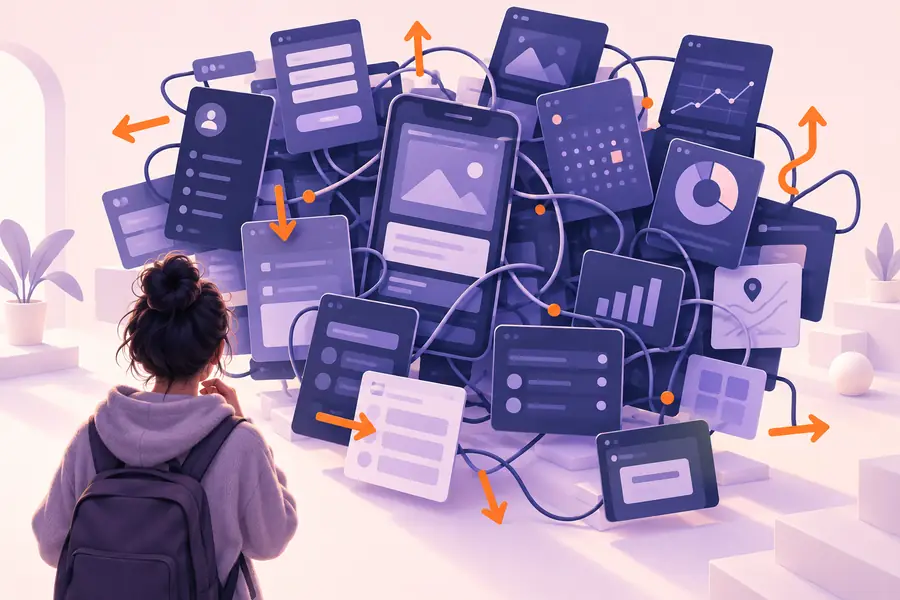
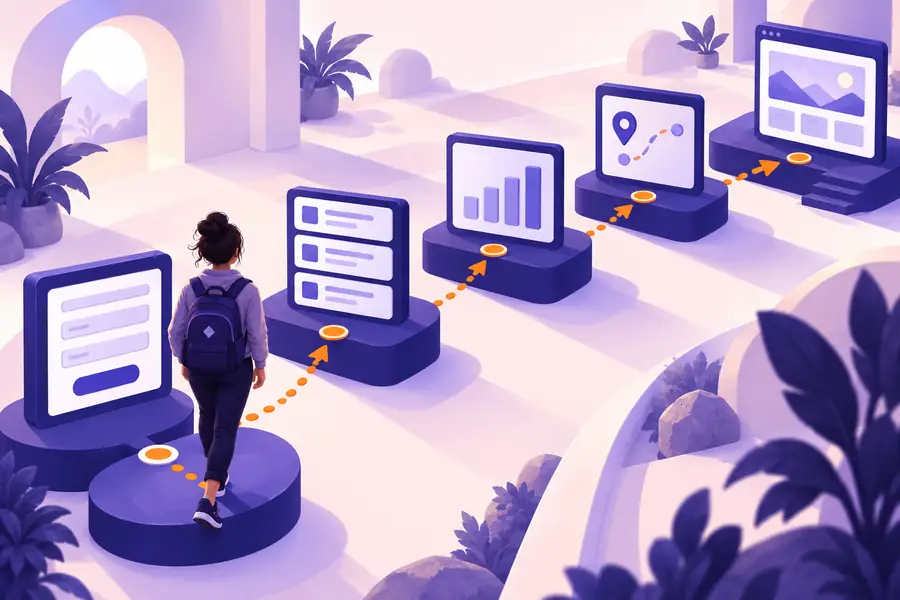
A first version should become clearer after each pass. The comparison below shows the difference between a feature-heavy starting point and a focused flow that a new user can understand.
- Before: too much at once
- After: one clear path
Remove distractions before adding polish.
Advanced tips
A beginner-friendly build still needs honest boundaries. Knowing what the first version cannot do helps you choose practical workarounds instead of debugging the wrong problem.
-
It cannot replace user research
A generated or assembled interface may look plausible without matching the language, priorities, or workflow of real users.
WorkaroundAsk two or three intended users to complete the main task and record where they hesitate.
-
It cannot make vague requirements precise
If the request says “make it powerful” or “add everything,” the result has no stable definition of success.
WorkaroundWrite the primary user, action, input, and expected result before adding features.
-
It cannot guarantee production readiness
A working prototype is not automatically complete for permissions, data policies, accessibility, error recovery, or long-term maintenance.
WorkaroundUse a release checklist and review sensitive data, access rules, keyboard use, and failure states separately.
-
It cannot fix a broken data model by decoration
Changing colors or rearranging cards will not solve duplicate records, missing relationships, or unclear ownership of updates.
WorkaroundMap the key objects and actions first, then simplify the data structure before refining the screen design.
Advanced tips
Use this side-by-side check before you call a first build finished. A smaller, testable app is usually more useful than a larger one whose core flow is uncertain.
First draft
Ready to test
Primary goal
First draft
Several possible outcomes compete for attention.
Ready to test
One main outcome is stated in plain language.
Navigation
First draft
Every feature appears in the first view.
Ready to test
The main path is visible; secondary actions are grouped.
Data
First draft
Sample values hide what happens when fields are empty.
Ready to test
Realistic, empty, long, and invalid values have been checked.
Forms
First draft
Fields are chosen because they seem useful.
Ready to test
Each field supports a decision or action in the workflow.
Feedback
First draft
A click appears to do nothing or gives vague confirmation.
Ready to test
The app shows loading, success, and failure states.
Mobile use
First draft
The desktop arrangement is simply compressed.
Ready to test
Text, controls, and tap targets remain understandable on a small screen.
Next change
First draft
New features are added whenever an idea appears.
Ready to test
The next change is chosen from observed user friction.
Advanced tips
Turn your first idea into a testable app
Start with one concrete workflow, give it only the screens and data it needs, and test that path before expanding the project. A focused first build teaches you more than a broad concept that no one can finish.
Build my first app- Begin with a specific user and task
- Check empty, invalid, and saved states
- Improve the main flow before adding features
Tutorial FAQ
These answers cover the practical questions beginners usually have before making their first app.
Choose a small app with one clear job, such as a request form, inventory list, appointment tracker, or personal dashboard. Keep the first version to the core input, result, and confirmation flow so you can test it quickly.
No. You can begin by describing the user, task, screens, and data in ordinary language, then refine the result through testing. Basic coding knowledge can help with advanced customization, but it is not required to understand the planning process.
A focused prototype can often be assembled in one short session, but the useful time is in checking the flow and correcting confusing details. The total time depends on the number of screens, data relationships, and integrations you choose.
Test the main task with realistic information, including empty fields, long text, invalid values, repeated clicks, and a slow or failed action. Also check the experience on a narrow screen and confirm that users know what happened after each important action.
Only after the main workflow is understandable and repeatable. Ask users where they hesitate or what they try to do next, then use that evidence to choose the next feature instead of expanding the app based only on assumptions.