Product founders
You need to validate a mobile concept before committing to a full Android build.
Turn a rough product idea into a visible flow that stakeholders can inspect and revise.
app builder for androidMobile build path
An app builder online for Android helps you move from a mobile idea to a testable product flow without being tied to a desktop setup. Start with the screen, action, or data task you need to prove.

Related Android paths
These adjacent guides cover the next decision, whether you need a broader Android build path or a practical walkthrough on your phone.
Where it helps
Android work often slows down before development begins: requirements are scattered, mobile states are unclear, and the first useful test is farther away than it should be.
You need to validate a mobile concept before committing to a full Android build.
Turn a rough product idea into a visible flow that stakeholders can inspect and revise.
app builder for androidA field process lives in spreadsheets but needs a clearer Android-friendly workflow.
Map the inputs, status changes, and handoffs before asking engineering to formalize them.
how to use app builder on androidYou want to test a useful Android utility without first configuring a local toolchain.
Explore the interface and core task from a browser, then carry a more concrete brief into implementation.
free app builder without codingA mobile interaction needs review on a narrow screen rather than only in desktop mockups.
Expose navigation, form density, and touch-oriented decisions early enough to change them.
app builder for codingThree practical workflows
The browser route is most useful when each pass has a defined question. Keep the first version narrow, observable, and easy to change.
State who uses the Android experience, what they need to accomplish, and which information must appear on the first screen.
Define the entry point, the primary action, the success state, and the most likely recovery path before adding secondary features.
Check the flow at a mobile width, note gaps or assumptions, and give the resulting structure to the person responsible for the production build.
Know the boundary
An online builder can clarify a mobile product, but it should not be treated as proof that a finished Android release meets every technical or regulatory requirement.
A browser preview does not by itself create the signing keys, release configuration, or store submission package required for distribution.
WorkaroundUse the generated flow as a handoff specification, then complete signing and release work in the appropriate Android toolchain.
A concept that includes health, financial, location, or personal data still needs a deliberate review of collection, storage, access, and retention.
WorkaroundRemove real personal data from prototypes and document the data boundary before production implementation.
One browser view cannot prove behavior across Android versions, screen sizes, manufacturers, permissions, and interrupted network conditions.
WorkaroundCreate a device test matrix and validate the important paths on representative hardware.
A polished screen can hide missing error states, offline behavior, ownership rules, or accessibility decisions.
WorkaroundRecord open decisions beside each workflow and test the highest-risk state before expanding scope.
Example output
The goal is a clearer build decision, not a substitute for device testing.

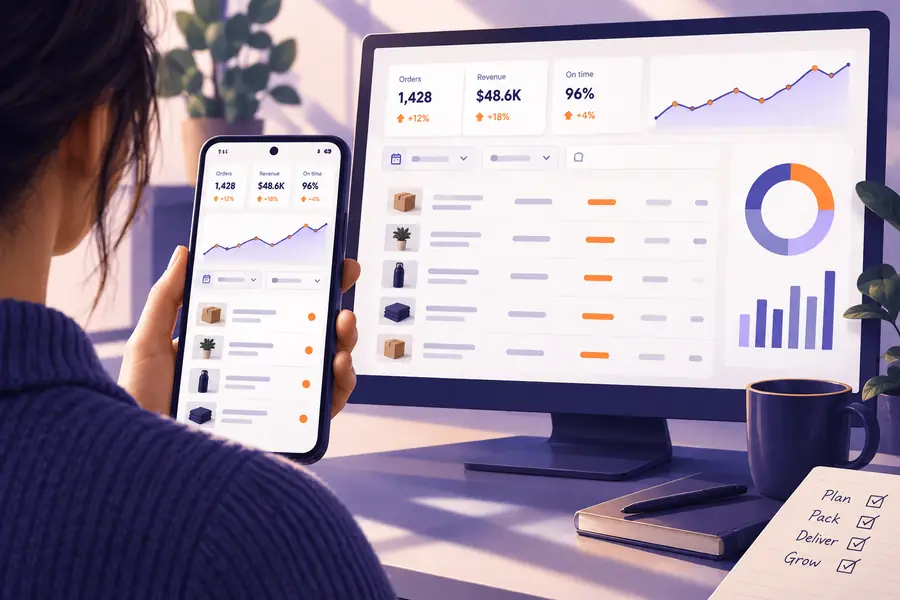
Route comparison
Both routes can lead to a serious Android product. The useful choice depends on whether you are still clarifying the experience or already deep in implementation.
Online app builder
Local Android project
Online app builder
Early product definition, workflow mapping, and fast review
Local Android project
A defined product ready for implementation and integration
Online app builder
Open a browser and describe the mobile task
Local Android project
Install tools, configure a project, and manage dependencies
Online app builder
Makes screens, actions, and handoffs easier to discuss
Local Android project
Provides direct control over application code and build settings
Online app builder
Useful for flow review; limited as a device coverage proof
Local Android project
Supports structured testing across selected devices and versions
Online app builder
Good for clarifying what the app needs to collect or show
Local Android project
Better suited to implementing production storage, APIs, and permissions
Online app builder
Low while the concept and sequence are still moving
Local Android project
Higher when changes require code, builds, and regression checks
Online app builder
Creates a shared reference for product, design, and engineering
Local Android project
Produces the implementation artifact used for release
Start with the mobile task
Describe one useful Android workflow instead of trying to specify the whole product at once. App Builder gives you a concrete starting point for discussing screens, actions, edge cases, and the next implementation step.
Build Android workflowScenario FAQ
Short answers to the practical questions behind using an online builder for Android work.
Yes, you can use the browser-based route to describe and review an Android-oriented workflow without beginning in a local Android Studio project. A production release may still require local tools or an engineering handoff for signing, testing, and store preparation.
Not by itself in every case. It can help define the experience and produce a clearer starting point, but publishing normally requires release configuration, signing, testing, privacy decisions, and compliance with the relevant distribution rules.
You can review the mobile flow and use an Android device as part of your validation process when the handoff supports it. Treat that review as an early check, not proof of behavior across every Android version, screen size, permission state, or network condition.
Start with a focused workflow such as inventory lookup, field reporting, appointment intake, or a simple internal task. These examples have a clear user, a small number of screens, and an outcome you can evaluate before expanding the scope.
It can reduce the amount of code needed during early exploration, especially when the goal is to clarify screens and actions. Production requirements such as integrations, security controls, performance, accessibility, and release maintenance may still need coding expertise.