First-time maker
You have a useful idea but no programming background and want to see whether the flow makes sense.
Turn the idea into a concrete screen sequence you can review and improve.
free ai app builderNo-code starting point
A free app builder without coding helps you move from a plain-language idea to a testable app concept without installing tools or learning a programming language first. Describe what you want to make, review the result, and decide what deserves another pass.

This focused path is designed for people who want to test an app idea before dealing with code, setup, or a full development workflow.
You have a useful idea but no programming background and want to see whether the flow makes sense.
Turn the idea into a concrete screen sequence you can review and improve.
free ai app builderYou need a quick internal tool for requests, stock, appointments, or simple records.
Sketch the core workflow before asking a developer to scope a larger build.
app builder freeYou want to compare a few possible user journeys before committing design and engineering time.
Create a visible starting point for stakeholder feedback and prioritization.
free ai app builderYou are explaining app structure to a group that should focus on user needs rather than syntax.
Use a tangible concept to discuss screens, actions, data, and edge cases.
app builder freeThe workflow stays deliberately short: describe the outcome, inspect the first version, then make a targeted change instead of starting from a blank project.
Write what the app should help someone do, who will use it, and the few actions that matter most. Specific goals produce a more useful first concept than a list of vague features.
Look at the proposed screens and ask whether a person can understand the next step. Check labels, order, missing information, and places where the user might hesitate.
Change one part at a time: add a field, simplify a screen, or adjust the workflow. Small revisions make it easier to see which idea improved the experience.
Choose the route that matches how you want to explore the idea next.
Both routes help you explore an app idea, but this page keeps the first session focused on reducing technical friction.
Without-coding route
General app builder route
Without-coding route
Can this idea become a clear, usable app flow?
General app builder route
What kind of app should I build and how should I configure it?
Without-coding route
Plain-language description of the desired outcome
General app builder route
A broader project brief, feature list, or chosen starting pattern
Without-coding route
Kept out of the first exploration pass
General app builder route
May become part of the next planning or building step
Without-coding route
Beginners, planners, operators, and early-stage makers
General app builder route
People comparing several ways to build or customize an app
Without-coding route
A visible concept that can be reviewed and refined
General app builder route
A broader starting point for a longer build process
Without-coding route
Validate the workflow before investing in implementation
General app builder route
Continue into deeper app structure and customization
Without-coding route
Starting with syntax, frameworks, or an empty technical project
General app builder route
It does not necessarily avoid technical decisions
A no-code starting route is useful for validation, but it is not a promise that every production requirement disappears.
Highly specialized integrations, unusual permissions, real-time systems, and demanding performance requirements may need code and experienced technical review.
WorkaroundUse the first concept to clarify requirements, then hand the defined scope to a developer or technical team.
A promising flow does not automatically cover security review, accessibility testing, data retention, backups, or operational monitoring.
WorkaroundCreate a separate launch checklist and test the finished implementation in the environment where it will run.
If the goal, audience, or core action is vague, a generated concept may look polished while still solving the wrong problem.
WorkaroundName one user, one desired outcome, and three essential actions before refining the app.
The first concept may not reflect every device behavior, store rule, browser constraint, or organization-specific policy.
WorkaroundValidate the important platform constraints before treating the concept as a final build specification.
The goal is clarity before complexity.

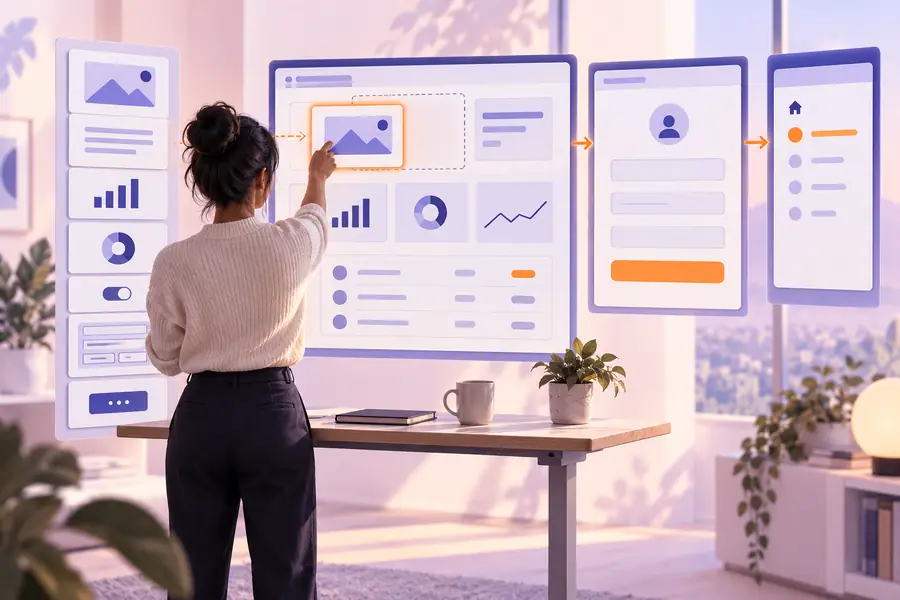
Describe the problem, inspect the first flow, and use what you learn to decide whether the idea needs more design, deeper implementation, or a different direction. App Builder gives you a practical place to begin without making technical setup the first decision.
Build an app conceptShort answers to the questions people usually ask before trying a no-code app-building route.
Yes. The starting point is a plain-language description of the app and its intended outcome rather than a programming task. You still need to explain the workflow clearly and review whether the result matches what you meant.
You can explore app concepts such as trackers, request forms, simple directories, dashboards, and lightweight internal workflows. More advanced integrations, strict security requirements, and unusual business logic may require technical implementation later.
Not automatically. A first concept is useful for validating screens, actions, and user flow, but production work still needs testing for security, accessibility, reliability, data handling, and platform requirements.
No installation is needed for the initial exploration described here. You can begin by stating what the app should do, then review and refine the resulting concept before deciding on a deeper build process.
Name the user, the main problem, and the three or four actions the app must support. For example, describe an inventory tracker, who updates it, what information it stores, and when a low-stock alert should appear.